
Waripixel Toolbox
Pick, mix, and master color.
Free, instant color tools plus premium AI image editing — start with any color below.
CSS Variables
Color Details
Shades & Tints
Complementary
Analogous
Triadic
Frequently asked questionsQuestions fréquentes
Is the Waripixel color picker free?Le sélecteur de couleur Waripixel est-il gratuit ?
Yes — completely free, with no signup, no watermark and no usage limits. It runs entirely in your browser.Oui — entièrement gratuit, sans inscription, sans filigrane et sans limite d’utilisation. Il fonctionne directement dans votre navigateur.
Which color formats does it show?Quels formats de couleur sont affichés ?
HEX, RGB, HSL and HSV, plus shades and tints, color harmonies (complementary, analogous, triadic) and ready-to-copy CSS variables.HEX, RGB, HSL et HSV, plus les nuances, les harmonies (complémentaire, analogue, triadique) et des variables CSS prêtes à copier.
Can I check accessibility from the picker?Puis-je vérifier l’accessibilité depuis le sélecteur ?
Yes — every color shows its WCAG contrast ratio against white and black, and one click sends it to the full Contrast Checker.Oui — chaque couleur affiche son contraste WCAG sur fond blanc et noir, et un clic l’envoie vers le vérificateur de contraste complet.
Can I save colors for later?Puis-je sauvegarder des couleurs ?
Yes — saved colors and palettes are stored locally in your browser, no account needed.Oui — les couleurs et palettes sauvegardées sont stockées localement dans votre navigateur, sans compte.
Color Names
Search 32,000+ color names — from the CSS classics to Neon Blue. Search by name or HEX value.
Frequently asked questionsQuestions fréquentes
How many color names can I search?Combien de noms de couleurs puis-je chercher ?
Over 32,000 — the CSS named colors plus community-curated names from the open-source color-name-list project and the classic NTC list.Plus de 32 000 — les couleurs nommées CSS plus les noms communautaires du projet open source color-name-list et de la liste NTC.
What is the HEX code for Neon Blue?Quel est le code HEX de Neon Blue ?
Neon Blue is #04D9FF. Type any name — "neon blue", "sage", "crimson" — and the matching HEX and RGB values appear instantly.Neon Blue est #04D9FF. Tapez n’importe quel nom — « neon blue », « sage », « crimson » — et les valeurs HEX et RGB apparaissent instantanément.
Can I search by HEX value instead of a name?Puis-je chercher par valeur HEX plutôt que par nom ?
Yes — paste a HEX value (with or without the #) to find the named colors that match it.Oui — collez une valeur HEX (avec ou sans #) pour trouver les couleurs nommées correspondantes.
Does such a big list slow the page down?Une liste aussi grande ralentit-elle la page ?
No — the full list loads in the background after the page paints, and the grid only renders the cards on screen, so scrolling and search stay fast.Non — la liste complète se charge en arrière-plan après l’affichage, et la grille ne rend que les cartes visibles : le défilement et la recherche restent rapides.
Color Chart
Browse colors by family. Click any swatch to copy its HEX value.
Frequently asked questionsQuestions fréquentes
How many colors are in the Color Chart?Combien de couleurs contient la Charte des couleurs ?
360 named colors organized into 10 hue families (Red, Orange, Yellow, Green, Cyan/Teal, Blue, Purple/Violet, Pink, Brown, Gray/Neutral) in the "All" tab, plus 7 curated fixed grids: Basic, Web-safe, Grayscale, Pastels, Neon, Earth Tones, and UI Colors.360 couleurs nommées réparties en 10 familles de teintes (Rouge, Orange, Jaune, Vert, Cyan/Sarcelle, Bleu, Violet, Rose, Marron, Gris/Neutre) dans l’onglet « Toutes », plus 7 grilles fixes organisées : Basique, Web-safe, Niveaux de gris, Pastel, Néon, Tons terreux et Couleurs UI.
Can I search the Color Chart by name?Puis-je rechercher dans la Charte des couleurs par nom ?
Not on this tool — swatches are organized visually into families and grids for browsing. Use the Color Names tool (search 32,000+ names) if you want to search by name or hex.Pas sur cet outil — les nuances sont organisées visuellement en familles et grilles à parcourir. Utilisez l’outil Noms de couleurs (recherche parmi plus de 32 000 noms) pour rechercher par nom ou par code hexadécimal.
How do I copy a color's hex value?Comment copier le code hexadécimal d’une couleur ?
Click any swatch — the hex code copies to your clipboard instantly with a "Copied!" confirmation.Cliquez sur n’importe quelle nuance — le code hex est copié instantanément dans votre presse-papiers avec une confirmation « Copié ! ».
Is the Color Chart free?La Charte des couleurs est-elle gratuite ?
Yes — completely free, no signup, and it runs entirely in your browser.Oui — entièrement gratuite, sans inscription, et elle fonctionne directement dans votre navigateur.
Color Palettes
Curated palettes for every project. Copy individual colors or export entire palettes.
Frequently asked questionsQuestions fréquentes
How many palettes are included?Combien de palettes sont incluses ?
34 curated palettes across 11 categories: Tailwind, Material, Flat UI, brand colors, gradients, neutrals, dark mode, warm, cool, pastels, and neon.34 palettes sélectionnées réparties en 11 catégories : Tailwind, Material, Flat UI, couleurs de marque, dégradés, neutres, mode sombre, tons chauds, tons froids, pastel et néon.
What export formats are available?Quels formats d’export sont disponibles ?
Copy the whole palette as a hex list, as CSS custom properties (`:root { --color-1: ...; }`), or as a Tailwind-style JS object with shade keys (100, 200, 300…). There's no image or JSON export.Copiez la palette entière sous forme de liste de codes hex, en variables CSS (`:root { --color-1: ...; }`), ou en objet JS façon Tailwind avec des clés de nuance (100, 200, 300…). Pas d’export image ni JSON.
Can I copy just one color from a palette?Puis-je copier une seule couleur d’une palette ?
Yes — click any individual swatch to copy just its hex value.Oui, cliquez sur n’importe quelle nuance individuelle pour copier uniquement son code hexadécimal.
Do I need an account to use these palettes?Faut-il un compte pour utiliser ces palettes ?
No signup needed — browse, copy, and export any palette instantly, completely free.Non, aucune inscription nécessaire — parcourez, copiez et exportez n’importe quelle palette instantanément, entièrement gratuit.
Tailwind Palette Generator
Generate a full 50–950 Tailwind color scale from a single base color.
Frequently asked questionsQuestions fréquentes
How do I generate a Tailwind color scale from one color?Comment générer une gamme Tailwind à partir d’une couleur ?
Pick or paste a base color and the tool generates the full 50–950 shade scale used by Tailwind, ready to copy into your configuration.Choisissez ou collez une couleur de base et l’outil génère la gamme complète de nuances 50–950 utilisée par Tailwind, prête à copier dans votre configuration.
Is the generated scale free to use?La gamme générée est-elle libre d’utilisation ?
Yes — the tool is free with no signup, and the generated colors are yours to use in any project.Oui — l’outil est gratuit sans inscription, et les couleurs générées vous appartiennent pour tout projet.
Contrast Checker
Verify WCAG accessibility for text on background colors.
Live Preview
Large Heading Text
The quick brown fox jumps over the lazy dog. This is body text at normal size.
Card content with foreground text on a card background.
Frequently asked questionsQuestions fréquentes
What contrast ratio does WCAG require?Quel ratio de contraste la norme WCAG exige-t-elle ?
AA requires 4.5:1 for normal text and 3:1 for large text; AAA requires 7:1 for normal text and 4.5:1 for large text.AA exige 4,5:1 pour le texte normal et 3:1 pour le grand texte ; AAA exige 7:1 pour le texte normal et 4,5:1 pour le grand texte.
Does the checker show pass/fail levels?Le vérificateur affiche-t-il les niveaux réussite/échec ?
Yes — it grades AA and AAA for both normal and large text live, as you adjust the foreground and background colors.Oui — il évalue AA et AAA pour le texte normal et le grand texte en direct, pendant que vous ajustez les couleurs.
Is the contrast checker free?Le vérificateur de contraste est-il gratuit ?
Yes — free, no signup, and it runs entirely in your browser.Oui — gratuit, sans inscription, et il fonctionne entièrement dans votre navigateur.
Color Mixer
Blend two colors together and generate gradient CSS.
10-Step Blend
Gradient Preview
Frequently asked questionsQuestions fréquentes
How does the Color Mixer blend colors?Comment le Mixeur de couleurs mélange-t-il les couleurs ?
It uses linear RGB interpolation between your two chosen colors — not HSL — so the blend is a straight numeric average of the red, green, and blue channels at each point along the slider.Il utilise une interpolation RVB linéaire entre vos deux couleurs choisies — pas du TSL — donc le mélange est une moyenne numérique directe des canaux rouge, vert et bleu à chaque point du curseur.
What is the "10-Step Blend"?Qu’est-ce que le « Dégradé en 10 étapes » ?
It generates 10 evenly-spaced swatches from 0% to 100% between your two colors, so you can see the full transition and grab any step's exact hex value.Il génère 10 nuances régulièrement espacées de 0 % à 100 % entre vos deux couleurs, pour visualiser toute la transition et récupérer le code hex exact de chaque étape.
Can I mix more than two colors?Puis-je mélanger plus de deux couleurs ?
Not currently — the mixer blends exactly two colors (Color A and Color B) with an adjustable ratio slider.Pas pour l’instant — le mixeur mélange exactement deux couleurs (Couleur A et Couleur B) avec un curseur de ratio ajustable.
Does it generate CSS I can use directly?Génère-t-il du CSS utilisable directement ?
Yes — the Gradient Preview outputs real `linear-gradient()` CSS with your blended colors, ready to copy.Oui — l’aperçu de dégradé produit du vrai CSS `linear-gradient()` avec vos couleurs mélangées, prêt à copier.
Image Stitch
Combine multiple images into one — side by side or stacked, right in your browser.
Drop 2+ images here or click to upload
Frequently asked questionsQuestions fréquentes
How do I combine multiple images into one?Comment combiner plusieurs images en une seule ?
Drop two or more images onto Image Stitch, choose Horizontal (side by side) or Vertical (stacked), reorder if needed, and download. No signup required.Déposez deux images ou plus dans Assemblage d’images, choisissez Horizontal (côte à côte) ou Vertical (empilées), réorganisez si besoin, puis téléchargez. Sans inscription.
Are my images uploaded to a server?Mes images sont-elles envoyées sur un serveur ?
No — stitching runs 100% in your browser. Your images never leave your device.Non — l’assemblage s’exécute à 100 % dans votre navigateur. Vos images ne quittent jamais votre appareil.
Can images of different sizes be stitched cleanly?Des images de tailles différentes peuvent-elles être assemblées proprement ?
Yes — "Match sizes" scales every image to a common height or width (only ever scaling down, so quality is preserved), or keep original sizes with alignment control.Oui — « Uniformiser » met toutes les images à une hauteur ou largeur commune (en réduisant uniquement, pour préserver la qualité), ou gardez les tailles d’origine avec contrôle de l’alignement.
Which formats can I export?Quels formats puis-je exporter ?
PNG (supports transparency), JPEG and WebP, with an adjustable quality slider for JPEG and WebP.PNG (avec transparence), JPEG et WebP, avec un réglage de qualité pour JPEG et WebP.
Layer Studio
Stack image, text and color layers on one canvas — move, resize, rotate — then export in high resolution.
Frequently asked questionsQuestions fréquentes
How do I combine multiple images as layers?Comment combiner plusieurs images en calques ?
Drag images onto the Layer Studio panel — each one becomes a layer stacked on the canvas. Move, resize and rotate any layer, reorder them by dragging in the panel, then export the composition as one image.Glissez des images sur le panneau du Studio de calques — chacune devient un calque empilé sur le canevas. Déplacez, redimensionnez et faites pivoter chaque calque, réorganisez-les par glisser-déposer, puis exportez la composition en une seule image.
Can layers be text or solid colors?Les calques peuvent-ils être du texte ou des couleurs unies ?
Yes — besides images, a layer can be text (choose from 100 open-source fonts, all free for commercial use) or a solid color fill with its own opacity.Oui — en plus des images, un calque peut être du texte (100 polices open source, toutes libres pour un usage commercial) ou un aplat de couleur avec sa propre opacité.
How high can the export resolution go?Quelle résolution maximale pour l’export ?
Set the exact canvas dimensions, then export at 1× to 4× — for example a 1920×1080 canvas exports up to 7680×4320. PNG, JPEG and WebP are supported.Définissez les dimensions exactes du canevas, puis exportez de 1× à 4× — par exemple un canevas 1920×1080 s’exporte jusqu’en 7680×4320. PNG, JPEG et WebP sont pris en charge.
Are my images uploaded anywhere?Mes images sont-elles téléversées quelque part ?
No — Layer Studio runs entirely in your browser. Your images never leave your device.Non — le Studio de calques fonctionne entièrement dans votre navigateur. Vos images ne quittent jamais votre appareil.
Screenshot Annotator
Drop numbered callouts on a screenshot — custom colors, duplicate, export.
Frequently asked questionsQuestions fréquentes
How do I add an annotation to a screenshot?Comment ajouter une annotation à une capture d’écran ?
Upload, drag, or import a screenshot by URL, then click anywhere on it — a numbered pin with a leader line and a text callout is dropped at that spot. Drag the pin or the callout independently to reposition either one.Téléversez, glissez ou importez une capture d’écran par URL, puis cliquez n’importe où dessus — un repère numéroté avec une ligne de rappel et une bulle de texte apparaît à cet endroit. Glissez le repère ou la bulle indépendamment pour repositionner l’un ou l’autre.
Can I change the background and text color of an annotation?Puis-je changer la couleur de fond et de texte d’une annotation ?
Yes — annotations default to a white background with black text; pick any pair of colors per annotation, reset a single one back to default, or reset every annotation's colors at once.Oui — les annotations ont par défaut un fond blanc et un texte noir ; choisissez n’importe quelle paire de couleurs par annotation, réinitialisez-en une seule, ou réinitialisez toutes les couleurs d’un coup.
How does importing a screenshot by URL work?Comment fonctionne l’import d’une capture d’écran par URL ?
Paste a public image URL and click Import — your browser fetches it directly. If the host doesn't allow cross-origin requests, the fetch will fail; download the image and upload it instead in that case.Collez une URL d’image publique et cliquez sur Importer — votre navigateur la récupère directement. Si l’hébergeur n’autorise pas les requêtes cross-origin, la récupération échouera ; téléchargez alors l’image et importez-la à la place.
Are my screenshots uploaded to Waripixel?Mes captures d’écran sont-elles envoyées à Waripixel ?
No — Screenshot Annotator runs entirely in your browser. Even URL imports are fetched directly by your browser; nothing passes through Waripixel's servers.Non — l’Annotateur de capture d’écran fonctionne entièrement dans votre navigateur. Même les imports par URL sont récupérés directement par votre navigateur ; rien ne transite par les serveurs de Waripixel.
Image Tools
Upload an image to crop, pick colors, extract palettes, and inspect metadata.
Frequently asked questionsQuestions fréquentes
What EXIF metadata does Image Tools show?Quelles métadonnées EXIF Outils Image affiche-t-il ?
Camera make/model/lens, date taken, ISO, shutter speed, aperture, focal length, exposure program, metering mode, flash, white balance, GPS coordinates, resolution (DPI), color profile, and more — extracted directly from the file's EXIF data when present.Marque/modèle d’appareil, objectif, date de prise de vue, ISO, vitesse d’obturation, ouverture, focale, mode d’exposition, mode de mesure, flash, balance des blancs, coordonnées GPS, résolution (DPI), profil colorimétrique, et plus — extraites directement des données EXIF du fichier lorsqu’elles sont présentes.
What crop options are available?Quelles options de recadrage sont disponibles ?
Nine presets — Free, 1:1, 4:3, 3:2, 16:9, 9:16, 5:4, 21:9, and Circle — plus manual width/height inputs with an aspect-lock toggle and rotation from -180° to 180°.Neuf préréglages — Libre, 1:1, 4:3, 3:2, 16:9, 9:16, 5:4, 21:9 et Cercle — plus des champs largeur/hauteur manuels avec verrouillage du ratio et rotation de -180° à 180°.
How many colors does the extracted palette contain?Combien de couleurs contient la palette extraite ?
Up to 8 dominant colors, found by sampling the image and grouping similar pixel values (a quantized color histogram, not AI clustering).Jusqu’à 8 couleurs dominantes, trouvées en échantillonnant l’image et en regroupant les valeurs de pixels similaires (un histogramme de couleurs quantifié, pas un clustering par IA).
Is my image uploaded anywhere?Mon image est-elle téléversée quelque part ?
No — cropping, color picking, palette extraction, and metadata inspection all run locally in your browser.Non — recadrage, pipette, extraction de palette et inspection des métadonnées s’exécutent tous localement dans votre navigateur.
Image to SVG Converter
Convert a PNG, JPG or WEBP into a scalable SVG — traced in your browser, free, with no upload.
Drop a PNG, JPG or WEBP here — or click to upload
Tracing runs entirely in your browser — your image is never uploaded.
Frequently asked questionsQuestions fréquentes
How do I convert a PNG to SVG?Comment convertir un PNG en SVG ?
Drop the PNG on this page, pick a trace style, and download the SVG. The converter traces the image into colored vector shapes in your browser — no upload, no account, no watermark. It also accepts JPG, WEBP and GIF.Déposez le PNG sur cette page, choisissez un style de vectorisation et téléchargez le SVG. Le convertisseur transforme l’image en formes vectorielles colorées dans votre navigateur — sans envoi de fichier, sans compte et sans filigrane. Il accepte aussi les JPG, WEBP et GIF.
Is my image uploaded to a server?Mon image est-elle envoyée sur un serveur ?
No. The free trace runs entirely in your browser using the open-source ImageTracer engine, so the file never leaves your device.Non. La vectorisation gratuite s’exécute entièrement dans votre navigateur avec le moteur open source ImageTracer : le fichier ne quitte jamais votre appareil.
Which images vectorize well?Quelles images se vectorisent bien ?
Logos, icons, flat illustrations and high-contrast line art give the cleanest results, because they are already made of solid color areas. Photographs can be traced but produce many stacked shapes and a large file — use fewer colors, or the AI Vectorize option, for those.Les logos, icônes, illustrations à plat et dessins au trait très contrastés donnent les meilleurs résultats, car ils sont déjà composés d’aplats de couleur. Les photos peuvent être vectorisées mais produisent de nombreuses formes empilées et un fichier volumineux — réduisez le nombre de couleurs, ou utilisez la vectorisation IA.
What does the color count do?À quoi sert le nombre de couleurs ?
It sets how many colors the image is reduced to before tracing. Fewer colors means fewer, cleaner paths and a much smaller SVG; more colors keeps the result closer to the original but adds shapes and file size.Il définit le nombre de couleurs auquel l’image est réduite avant la vectorisation. Moins de couleurs donne des tracés plus nets et un SVG bien plus léger ; plus de couleurs reste fidèle à l’original mais multiplie les formes et alourdit le fichier.
Can I edit the SVG afterwards?Puis-je modifier le SVG ensuite ?
Yes — click "Open in Vector Studio" to drop the traced artwork straight onto the Waripixel Vector Studio canvas, where you can recolor shapes, delete stray paths, combine them with boolean operations and re-export.Oui — cliquez sur « Ouvrir dans Vector Studio » pour placer le tracé directement sur le canevas de Waripixel Vector Studio, où vous pouvez recolorer les formes, supprimer les tracés parasites, les combiner avec des opérations booléennes et réexporter.
What is the difference between the free trace and AI Vectorize?Quelle est la différence entre la vectorisation gratuite et la vectorisation IA ?
The free trace posterizes the image and outlines each color area — fast, private and ideal for flat art. AI Vectorize, in Vector Studio, sends the image to a vectorization model that rebuilds it as cleaner, more editable shapes; it costs 1 token and needs an account.La vectorisation gratuite postérise l’image et détoure chaque zone de couleur — rapide, privée et idéale pour les aplats. La vectorisation IA, dans Vector Studio, envoie l’image à un modèle qui la reconstruit en formes plus propres et plus modifiables ; elle coûte 1 jeton et nécessite un compte.
Color Accessibility Simulator
Preview how your image looks to people with color vision deficiencies, right in your browser.
Drop an image here or click to upload
Frequently asked questionsQuestions fréquentes
Which color vision deficiencies does it simulate?Quels troubles de la vision des couleurs sont simulés ?
Protanopia, deuteranopia, tritanopia, and achromatopsia (complete color blindness), alongside the normal/unfiltered view for comparison.Protanopie, deutéranopie, tritanopie et achromatopsie (daltonisme total), ainsi que la vue normale non filtrée pour comparaison.
How accurate is the simulation?Cette simulation est-elle fiable ?
Each mode applies a standard 3×3 RGB transformation matrix directly to the image's pixel data (not just a CSS filter) — the same class of matrices used in established color-vision-deficiency research.Chaque mode applique une matrice de transformation RVB 3×3 standard directement sur les données de pixels de l’image (pas seulement un filtre CSS) — le même type de matrices utilisées dans la recherche établie sur les troubles de la vision des couleurs.
Can I download the simulated image?Puis-je télécharger l’image simulée ?
Yes — export any simulated view as a PNG to share with a team or client.Oui — exportez n’importe quelle vue simulée en PNG à partager avec une équipe ou un client.
Is this tool free?Cet outil est-il gratuit ?
Yes, completely free and runs in your browser — no signup, no watermark.Oui, entièrement gratuit et fonctionne dans votre navigateur — sans inscription, sans filigrane.
Print-Readiness Scorer
Check your image's sharpness and resolution before sending it to print.
Drop an image here or click to upload
Frequently asked questionsQuestions fréquentes
How is the print-readiness score calculated?Comment le score d’aptitude à l’impression est-il calculé ?
Two independent checks: a real sharpness measurement using Laplacian-variance blur detection, and a DPI check against your target print size (from 4×6" up to 24×36"). The overall verdict is whichever of the two is worse.Deux vérifications indépendantes : une véritable mesure de netteté par détection de flou (variance du Laplacien), et une vérification des DPI selon la taille d’impression visée (de 10×15 cm à 60×90 cm). Le verdict global retient le plus défavorable des deux.
What DPI counts as "good enough" to print?Quel DPI est considéré comme suffisant pour l’impression ?
300 DPI or higher is excellent, 150+ is good, 100+ is caution, and below 100 DPI is flagged as poor for your chosen print size.300 DPI ou plus est excellent, 150+ est bon, 100+ est à surveiller, et moins de 100 DPI est signalé comme insuffisant pour la taille d’impression choisie.
What sharpness score is considered acceptable?Quel score de netteté est considéré comme acceptable ?
60+ is excellent, 30+ is good, 15+ is caution, and below 15 is flagged as too soft/blurry to print well.60+ est excellent, 30+ est bon, 15+ est à surveiller, et moins de 15 est signalé comme trop flou pour bien imprimer.
Do I need to upload to a server to check this?Faut-il téléverser sur un serveur pour vérifier cela ?
No — sharpness and DPI are both computed locally in your browser.Non — la netteté et les DPI sont calculés localement dans votre navigateur.
Social Media Auto-Framer
Auto-center a crop frame on the busiest part of your image, then fine-tune and export for social media.
Drop an image here or click to upload
Frequently asked questionsQuestions fréquentes
How does it find the "busiest" part of the image?Comment trouve-t-il la partie « la plus chargée » de l’image ?
It analyzes edge intensity across the image (a lightweight edge-detection pass) and centers the crop on the weighted average position of those edges — not full AI saliency detection, but effective for most photos.Il analyse l’intensité des contours dans l’image (une détection de contours légère) et centre le cadrage sur la position moyenne pondérée de ces contours — pas une détection de saillance IA complète, mais efficace pour la plupart des photos.
What aspect ratios are available?Quels formats sont disponibles ?
Four: 1:1 (square), 4:5 (portrait), 9:16 (story), and 16:9 (landscape).Quatre : 1:1 (carré), 4:5 (portrait), 9:16 (story) et 16:9 (paysage).
Can I move the crop manually?Puis-je déplacer le cadrage manuellement ?
Yes — the auto-detected frame is just a starting point; drag it anywhere before exporting.Oui — le cadrage auto-détecté n’est qu’un point de départ ; faites-le glisser où vous voulez avant d’exporter.
Is this free to use?Cet outil est-il gratuit ?
Yes, completely free, runs in your browser, no signup.Oui, entièrement gratuit, fonctionne dans votre navigateur, sans inscription.
Style Filters
Apply artistic filter presets to your image, right in your browser.
Drop an image here or click to upload
Frequently asked questionsQuestions fréquentes
What filter presets are available?Quels préréglages de filtre sont disponibles ?
Six: Original, Vivid, Cyberpunk, Watercolor, Noir, and Vintage — each a distinct combination of saturation, contrast, brightness, and hue adjustments.Six : Original, Vivid, Cyberpunk, Watercolor, Noir et Vintage — chacun une combinaison distincte de saturation, contraste, luminosité et teinte.
Are these AI-generated filters?Ce sont des filtres générés par IA ?
No — they're deterministic filter presets applied instantly on your device, not AI image generation, so there's no wait and no cost.Non — ce sont des préréglages de filtre déterministes appliqués instantanément sur votre appareil, pas de la génération d’image par IA, donc aucune attente et aucun coût.
Which filter mimics a black-and-white look?Quel filtre imite un rendu noir et blanc ?
"Noir" strips out color entirely (grayscale) while boosting contrast and slightly darkening the image, for a moody, high-contrast black-and-white effect.« Noir » retire complètement la couleur (niveaux de gris) tout en renforçant le contraste et en assombrissant légèrement l’image, pour un effet noir et blanc contrasté et feutré.
Does this upload my photo anywhere?Cet outil téléverse-t-il ma photo quelque part ?
No — filters are applied locally on canvas in your browser; nothing is uploaded.Non — les filtres sont appliqués localement sur canvas dans votre navigateur ; rien n’est téléversé.
AI Relight
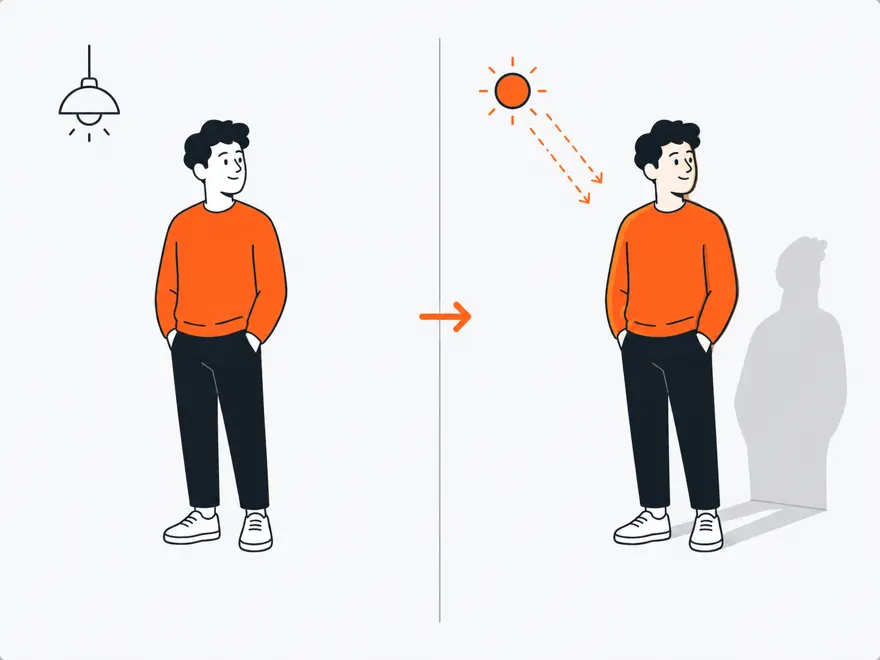
Relight your subject with realistic, diffusion-based lighting from a short description.
AI results vary. A token is spent on each completed render and isn't refundable for quality — it's only restored if a render fails technically. Terms.
Frequently asked questionsQuestions fréquentes
How does AI Relight work?Comment fonctionne AI Relight ?
Describe the lighting you want in a short text prompt (e.g. "warm golden-hour light from the left") and the AI (Fal's IC-Light model) regenerates realistic lighting on your subject.Décrivez l’éclairage souhaité dans une courte invite texte (par ex. « lumière dorée chaude venant de la gauche ») et l’IA (le modèle IC-Light de Fal) régénère un éclairage réaliste sur votre sujet.
Can I set a specific light direction or angle?Puis-je définir une direction ou un angle de lumière précis ?
Not directly — relighting is purely prompt-driven; describe the direction or mood in words rather than dragging a light position.Pas directement — l’éclairage se fait uniquement via une invite texte ; décrivez la direction ou l’ambiance avec des mots plutôt qu’en déplaçant une position de lumière.
How much does it cost?Combien ça coûte ?
1 token per image ($1 with the 10-token/$10 pack), pay-as-you-go with no subscription.1 jeton par image (soit 1 $ avec le pack de 10 jetons/10 $), à l’usage, sans abonnement.
What happens if the result doesn't look right?Que se passe-t-il si le résultat ne convient pas ?
Tokens are only refunded automatically if the generation fails technically — not for creative or quality dissatisfaction — so try refining your prompt for a different result.Les jetons ne sont remboursés automatiquement qu’en cas d’échec technique de la génération — pas pour une insatisfaction créative — essayez donc d’affiner votre invite pour obtenir un résultat différent.
HD Cutout
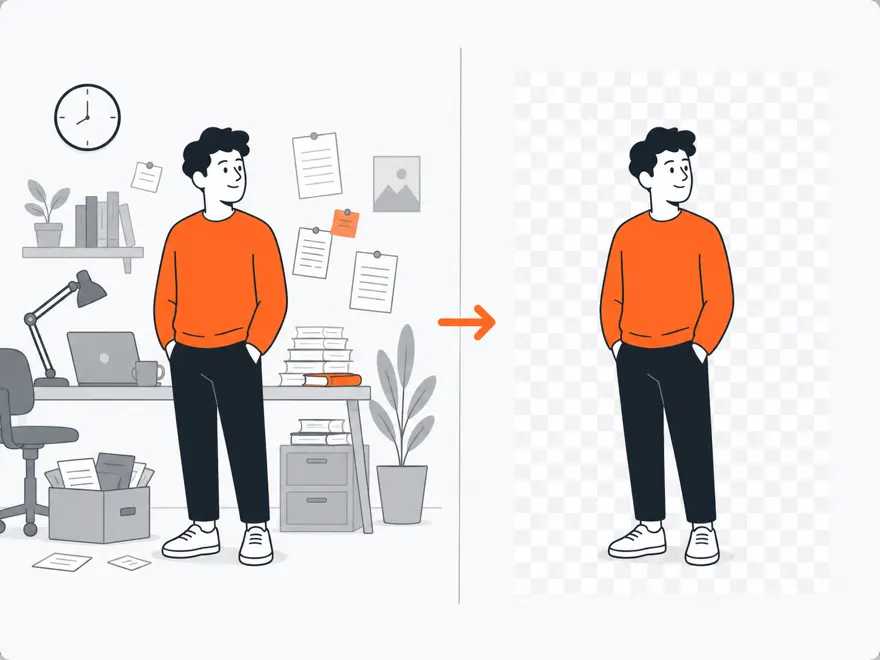
Remove the background with clean, studio-quality edges — hair and fine detail included.
AI results vary. A token is spent on each completed render and isn't refundable for quality — it's only restored if a render fails technically. Terms.
Frequently asked questionsQuestions fréquentes
How much does background removal cost?Combien coûte la suppression d’arrière-plan ?
One token per image, pay-as-you-go. There is no subscription — you only pay for the images you process.Un jeton par image, en paiement à l’usage. Pas d’abonnement — vous ne payez que les images traitées.
Does it handle hair and fine edges?Gère-t-il les cheveux et les contours fins ?
Yes — HD Cutout targets clean, studio-quality edges including hair and fine detail.Oui — HD Cutout vise des contours nets de qualité studio, y compris les cheveux et les détails fins.
Do I need an account?Ai-je besoin d’un compte ?
For the premium AI tools yes (to hold your tokens). All the color tools and browser-based image tools are free with no account.Pour les outils IA premium oui (pour vos jetons). Tous les outils couleur et les outils image dans le navigateur sont gratuits sans compte.
AI Upscale & Enhance
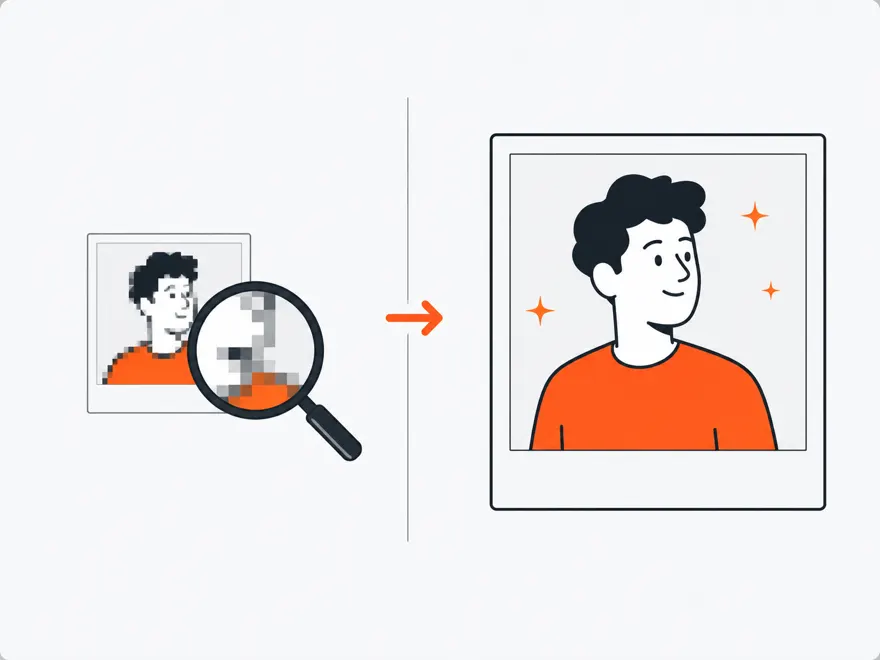
Upscale your image up to 4× with restored sharpness and detail.
AI results vary. A token is spent on each completed render and isn't refundable for quality — it's only restored if a render fails technically. Terms.
Frequently asked questionsQuestions fréquentes
How much can I upscale an image?Jusqu’à combien puis-je agrandir une image ?
Up to 4× the original resolution, with AI-restored sharpness and detail.Jusqu’à 4× la résolution d’origine, avec une netteté et des détails restaurés par IA.
What does upscaling cost?Combien coûte l’agrandissement ?
One token per image, pay-as-you-go — no subscription.Un jeton par image, en paiement à l’usage — sans abonnement.
Photo Colorizer
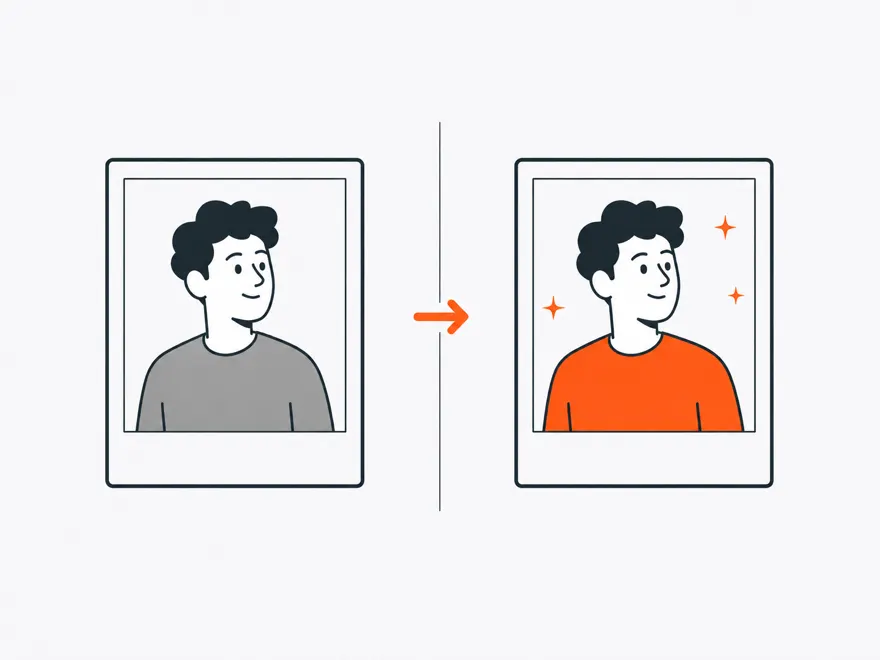
Turn a black-and-white photo into realistic color with one click.
AI results vary. A token is spent on each completed render and isn't refundable for quality — it's only restored if a render fails technically. Terms.
Frequently asked questionsQuestions fréquentes
How do I colorize a black-and-white photo?Comment coloriser une photo en noir et blanc ?
Upload the photo and click once — the AI adds realistic, natural color automatically. One token per image, no subscription.Téléversez la photo et cliquez une fois — l’IA ajoute automatiquement des couleurs réalistes et naturelles. Un jeton par image, sans abonnement.
Will old, faded photos work?Les vieilles photos délavées fonctionnent-elles ?
Yes — colorization works on scans of old photos; pairing it with Portrait Enhancer or AI Upscale gives the best restoration results.Oui — la colorisation fonctionne sur les scans de photos anciennes ; l’associer à l’amélioration de portrait ou à l’agrandissement IA donne les meilleurs résultats.
Portrait Enhancer
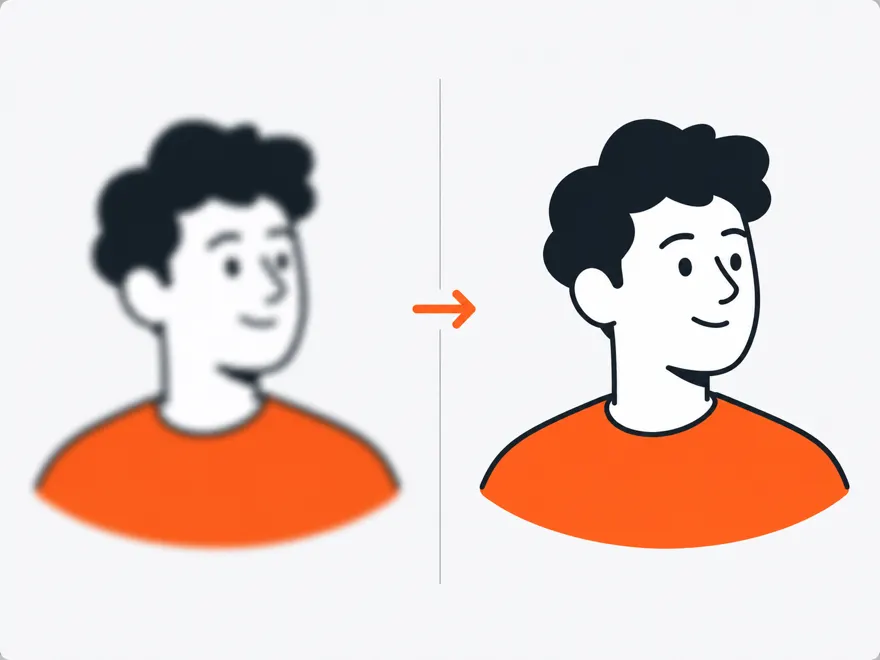
Restore and sharpen faces and skin for crisp, natural-looking portraits.
AI results vary. A token is spent on each completed render and isn't refundable for quality — it's only restored if a render fails technically. Terms.
Frequently asked questionsQuestions fréquentes
What does Portrait Enhancer actually do?Que fait exactement l’Amélioration de portrait ?
It restores and sharpens faces and skin using an AI face-restoration model (CodeFormer), smoothing noise and recovering detail for a crisp, natural result.Elle restaure et affine les visages et la peau grâce à un modèle IA de restauration de visage (CodeFormer), en lissant le bruit et en récupérant les détails pour un rendu net et naturel.
Does it require a clearly visible face?Faut-il un visage clairement visible ?
The tool doesn't explicitly check for a face before processing — but since it's a face-restoration model, results are best on portraits and it may do little on images without a face.L’outil ne vérifie pas explicitement la présence d’un visage avant de traiter l’image — mais s’agissant d’un modèle de restauration de visage, les meilleurs résultats sont obtenus sur des portraits et l’effet peut être minime sur des images sans visage.
Can I control how much correction is applied?Puis-je contrôler l’intensité de la correction ?
Yes — a fidelity setting lets you balance between staying close to the original photo and applying stronger AI restoration.Oui — un réglage de fidélité permet d’équilibrer entre rester proche de la photo d’origine et appliquer une restauration IA plus marquée.
How much does it cost?Combien ça coûte ?
1 token per image, pay-as-you-go, no subscription required.1 jeton par image, à l’usage, sans abonnement requis.
Background Studio
Replace the background with an AI-generated scene from a short text prompt.
AI results vary. A token is spent on each completed render and isn't refundable for quality — it's only restored if a render fails technically. Terms.
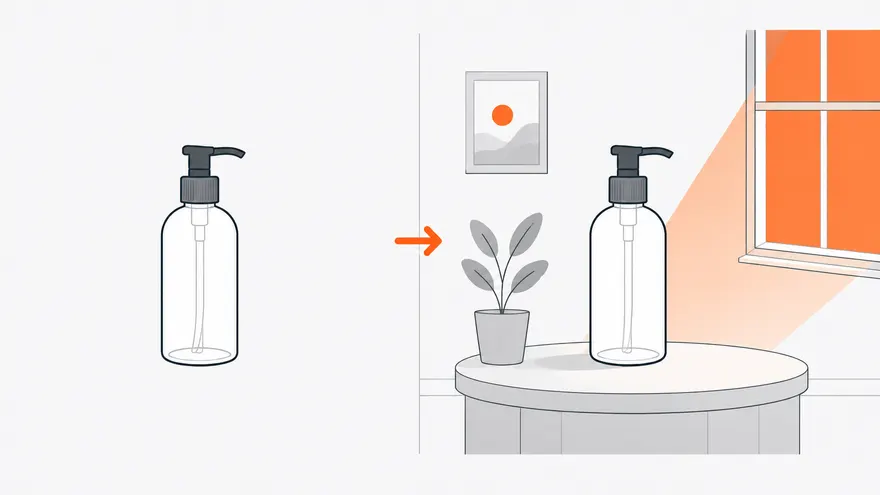
Tip: this replaces the background with a described scene. For a transparent cut-out instead, use HD Cutout.
Frequently asked questionsQuestions fréquentes
How does Background Studio replace a background?Comment Background Studio remplace-t-il un arrière-plan ?
Describe the new scene in a short text prompt, and the AI generates a matching background around your subject in a single step.Décrivez la nouvelle scène dans une courte invite texte, et l’IA génère un arrière-plan assorti autour de votre sujet en une seule étape.
Do I need to cut out my subject first?Dois-je d’abord détourer mon sujet ?
No — background replacement and generation happen together in one AI call; you don't need to run the background remover first.Non — le remplacement et la génération d’arrière-plan se font en un seul appel IA ; inutile d’utiliser d’abord l’outil de suppression d’arrière-plan.
What kind of prompts work best?Quel type d’invite fonctionne le mieux ?
Short, concrete scene descriptions — e.g. "a clean, softly lit studio backdrop" (the default) — tend to render more reliably than long or highly detailed prompts.Des descriptions de scène courtes et concrètes — par ex. « un arrière-plan de studio épuré et doucement éclairé » (par défaut) — ont tendance à donner un rendu plus fiable que des invites longues ou très détaillées.
How much does it cost?Combien ça coûte ?
1 token per image, pay-as-you-go, no subscription.1 jeton par image, à l’usage, sans abonnement.
Magic Eraser
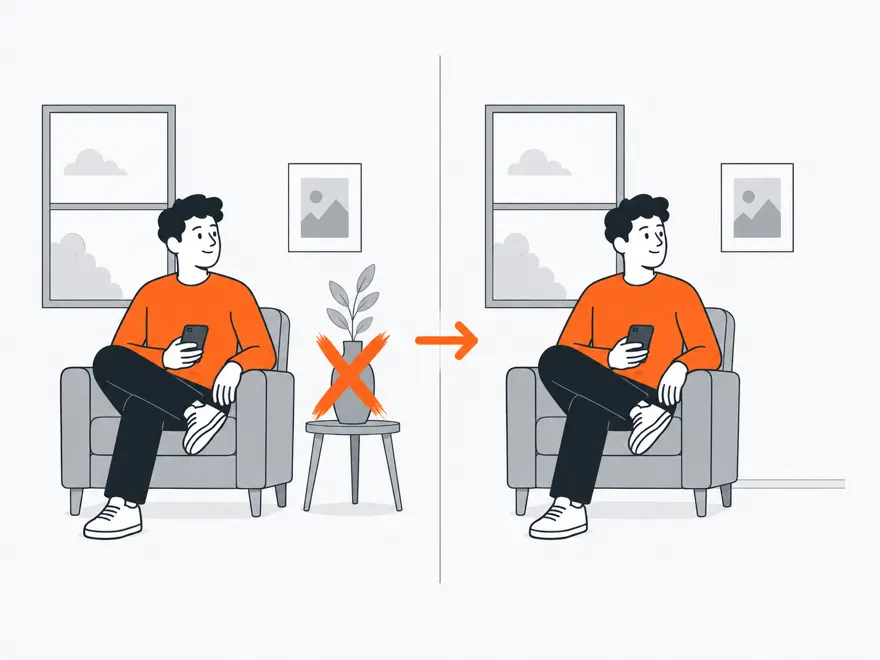
Brush an area to erase it (AI fills the gap) or to keep it (cut out everything else).
AI results vary. A token is spent on each completed Remove and isn't refundable for quality — it's only restored if a render fails technically. Terms.
Frequently asked questionsQuestions fréquentes
How does Magic Eraser work?Comment fonctionne la Gomme magique ?
Brush over the area you want to remove, then choose "Remove" — the AI fills the brushed area based on the surrounding image. Choosing "Keep" instead cuts out everything except your brushed area.Peignez la zone à retirer, puis choisissez « Supprimer » — l’IA comble la zone peinte en s’appuyant sur l’image environnante. Choisir « Conserver » découpe au contraire tout sauf la zone peinte.
Do both modes cost a token?Les deux modes coûtent-ils un jeton ?
No — only "Remove" calls the AI (Fal's inpainting model) and costs 1 token. "Keep" is done entirely client-side with canvas compositing and is free.Non — seul « Supprimer » fait appel à l’IA (le modèle d’inpainting de Fal) et coûte 1 jeton. « Conserver » se fait entièrement côté client par composition canvas et est gratuit.
How precise does my brushing need to be?Ma peinture doit-elle être précise ?
Reasonably close to the object's edges works well — the AI blends the inpainted area into the surrounding image, so minor overlap is usually fine.Rester raisonnablement proche des bords de l’objet suffit généralement — l’IA fond la zone reconstruite dans l’image environnante, un léger débordement n’est donc pas gênant.
What happens if the fill looks wrong?Que se passe-t-il si le résultat n’est pas satisfaisant ?
The token is only refunded if the request fails technically; if the AI result doesn't look right, try brushing a slightly larger or smaller area and running it again.Le jeton n’est remboursé qu’en cas d’échec technique de la requête ; si le résultat IA ne convient pas, essayez de peindre une zone légèrement plus grande ou plus petite et relancez.
Generative Expand
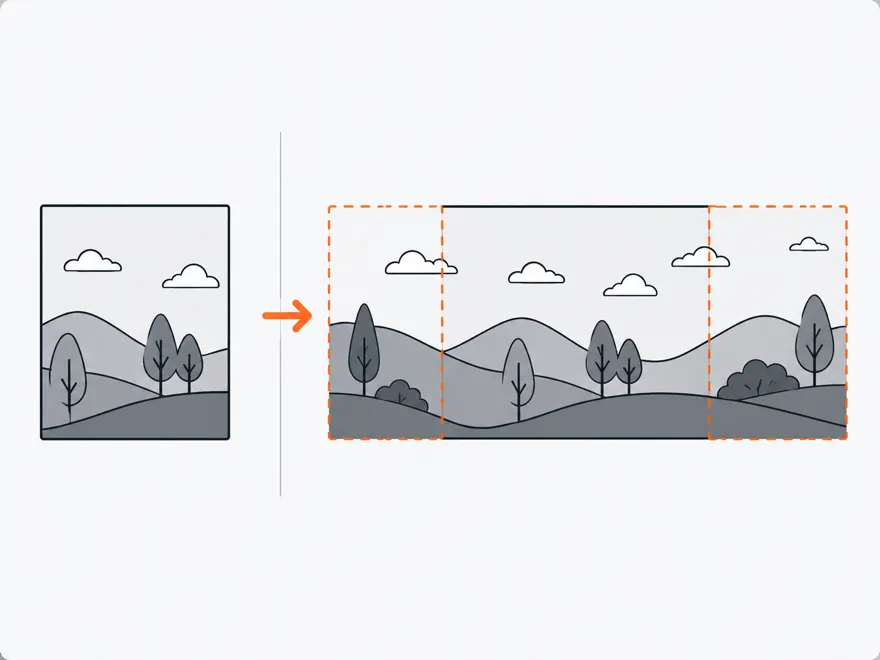
Extend your image to a new aspect ratio — AI generates the new surrounding area.
AI results vary. A token is spent on each completed render and isn't refundable for quality — it's only restored if a render fails technically. Terms.
Frequently asked questionsQuestions fréquentes
How does Generative Expand work?Comment fonctionne l’Extension générative ?
Set your new canvas size and use the 9-position grid to place your original image within it — top/middle/bottom by left/center/right — then the AI generates the surrounding area to match.Définissez la taille de votre nouveau canevas et utilisez la grille à 9 positions pour placer votre image d’origine à l’intérieur — haut/milieu/bas par gauche/centre/droite — puis l’IA génère la zone environnante pour s’accorder au reste.
What aspect ratios can I expand to?Vers quels formats puis-je étendre l’image ?
There's no fixed preset list — you set an exact width and height (up to 4096px per side) for full freeform control over the new canvas size.Il n’y a pas de liste de préréglages fixe — vous définissez une largeur et une hauteur exactes (jusqu’à 4096 px par côté) pour un contrôle libre total de la taille du nouveau canevas.
How much does it cost?Combien ça coûte ?
1 token per image, pay-as-you-go, no subscription.1 jeton par image, à l’usage, sans abonnement.
Will the generated area match my photo's style and lighting?La zone générée respectera-t-elle le style et l’éclairage de ma photo ?
The AI is specifically designed for outpainting (extending an existing photo), so it aims to match the original's lighting, color, and content — results are strongest when the new area is a modest extension rather than a dramatic reframe.L’IA est spécifiquement conçue pour l’outpainting (l’extension d’une photo existante), elle vise donc à respecter l’éclairage, les couleurs et le contenu d’origine — les meilleurs résultats s’obtiennent avec une extension modérée plutôt qu’un recadrage radical.
Saved Colors
Your saved colors and palettes, stored locally in your browser.
No saved colors yet. Use the save button on any color to get started.
Frequently asked questionsQuestions fréquentes
Where are my saved colors stored?Où sont stockées mes couleurs enregistrées ?
In your browser's local storage only — nothing is sent to a server or tied to an account.Uniquement dans le stockage local de votre navigateur — rien n’est envoyé à un serveur ni lié à un compte.
Can I save whole palettes, or just individual colors?Puis-je enregistrer des palettes entières, ou seulement des couleurs individuelles ?
Currently only individual colors can be saved (from the Color Picker or Color Chart) — whole-palette saving isn't supported yet.Actuellement, seules les couleurs individuelles peuvent être enregistrées (depuis le Sélecteur de couleur ou la Charte des couleurs) ; l’enregistrement de palettes entières n’est pas encore pris en charge.
Can I export my saved colors?Puis-je exporter mes couleurs enregistrées ?
"Export JSON" downloads your saved colors as a JSON file you can back up or import into another project.Oui — « Exporter en JSON » télécharge vos couleurs enregistrées sous forme de fichier JSON que vous pouvez sauvegarder ou réimporter dans un autre projet.
Will my saved colors carry over to a different browser or device?Mes couleurs enregistrées seront-elles disponibles sur un autre navigateur ou appareil ?
No — since they're stored locally, saved colors are specific to the browser and device you saved them on.Non — étant stockées localement, les couleurs enregistrées sont propres au navigateur et à l’appareil sur lesquels vous les avez enregistrées.